Key takeaways
- OpenAI launched GPT-Live on July 8, 2026, replacing half-duplex pipelines with a native speech-to-speech architecture that processes audio input and output simultaneously.
- Free users now default to GPT-Live-1 mini, while paid subscribers can switch to the larger GPT-Live-1, which seamlessly delegates complex reasoning tasks to GPT-5.5.
- Full-duplex listening enables mid-sentence interruptions and real-time backchanneling, allowing users to correct, redirect, or pause the AI without waiting for it to stop talking.
- The new architecture powers a near-zero latency Live Translation mode, capable of translating two speakers simultaneously without sentence-level pauses.
- According to OpenAI's system card, noisy environments and overlapping background speech can still trigger false endpointing, requiring a quiet room or headset microphone for optimal accuracy.
For the last decade, talking to an AI has been a lot like talking to a walkie-talkie. You press a button, speak, pause, wait, and eventually receive a response. On July 8, 2026, OpenAI dismantled that paradigm entirely with the global launch of GPT-Live, a new generation of full-duplex voice models rolling out across iOS, Android, and the web.
Unlike its predecessors, GPT-Live processes audio input and generates audio output simultaneously. It doesn't wait for you to finish speaking before formulating a reply, and it doesn't stop talking just because you need to interject. According to the system card published by OpenAI, the underlying architecture allows the model to make speak, listen, pause, and interrupt decisions continuously, many times per second. The result is an assistant that listens while it talks, enabling natural mid-sentence interruptions, real-time backchanneling, and seamless live translation. If you want to use AI efficiently today, you have to unlearn a decade of robotic turn-taking.
The End of the Turn-Taking Era
To understand why GPT-Live matters, you have to look at the technical bottleneck it breaks. Historically, voice assistants relied on a four-step pipeline: automatic speech recognition (ASR) to transcribe your words, a large language model (LLM) to process the text, text-to-speech (TTS) to generate the response, and a rigid state machine to manage whose turn it was. This Half-Duplex architecture—where sound goes in, the channel closes, sound goes out, and the channel closes again—introduced unavoidable latency. It forced users to speak in isolated, perfectly punctuated sentences.
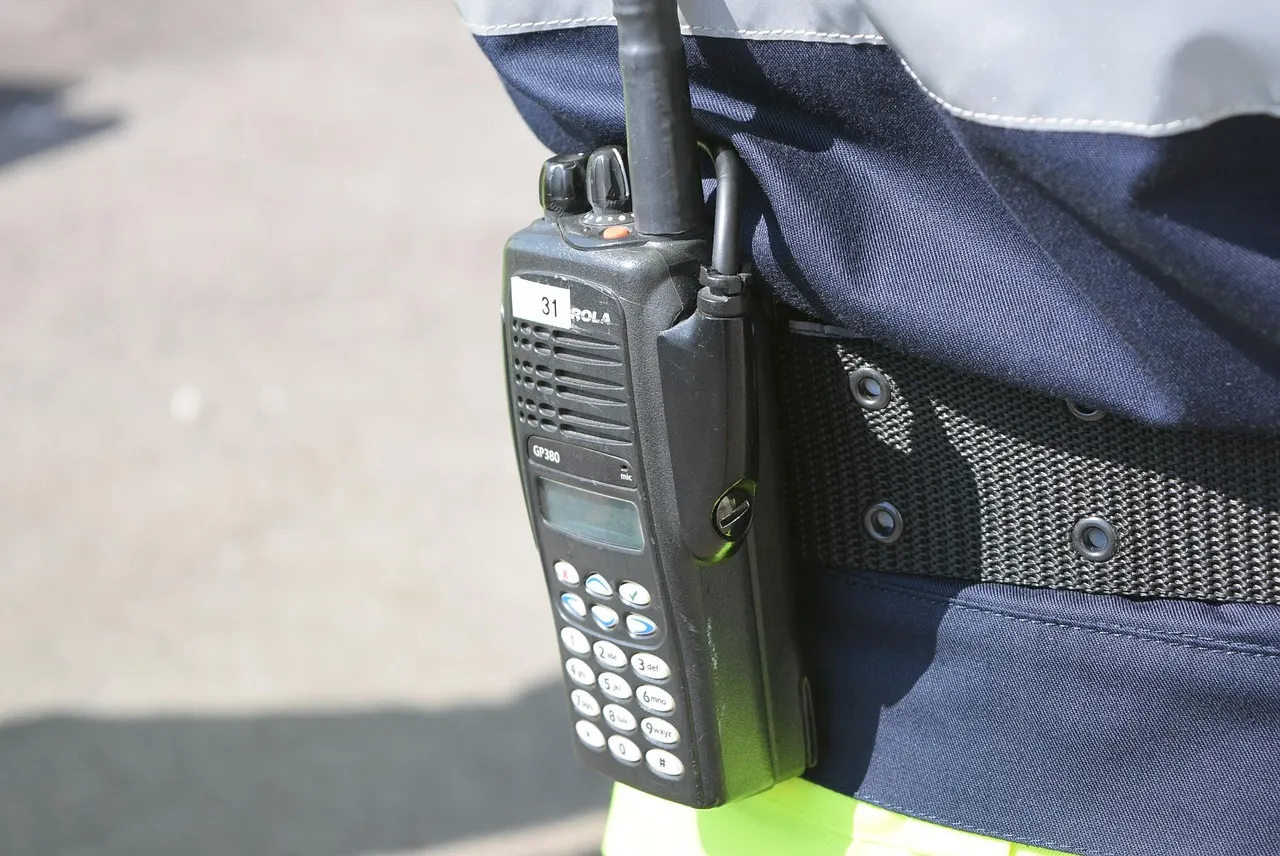
GPT-Live scraps that pipeline. It is a native speech-to-speech model, bypassing the transcription-to-text bottleneck entirely. Because the model can process incoming audio while simultaneously generating outgoing audio, the conversation flows. If the AI says something inaccurate, you don't have to wait for it to finish its monologue. You simply correct it mid-sentence, and the model pivots, acknowledging the interruption and adjusting its trajectory in real-time. This shifts the AI from a unidirectional broadcaster to a dynamic participant in the room.
Inside the Full-Duplex Architecture
Not all GPT-Live models are created equal. OpenAI released two primary conversational models on July 8: GPT-Live-1 mini and GPT-Live-1. According to OpenAI's community announcements, the lighter, faster mini model now serves as the default Voice Mode for free-tier users on ChatGPT. Paid subscribers—Plus, Pro, and Enterprise—have the option to switch to the larger, more capable GPT-Live-1 model for deeper reasoning.
What makes these models intelligent, rather than just fast, is their ability to delegate. GPT-Live does not try to be everything at once. While it handles the complexities of timing, tone, backchanneling, and audio processing, it seamlessly offloads complex reasoning, coding, and web search queries to GPT-5.5 in the background. The voice model acts as the ultimate front-end interface, maintaining the natural flow of the conversation while silently queuing up heavy computational tasks behind the scenes.
How to Actually Use GPT-Live: A Practical Guide
Adapting to a full-duplex AI requires a shift in user behavior. If you treat GPT-Live like Alexa or Siri, you will leave 90% of its utility on the table. Here is how to extract actual leverage from the new architecture.

1. Master the Mid-Sentence Interruption
Because GPT-Live is always listening, you no longer need to mute the AI or wait for a prompt. If you ask GPT-Live to explain a complex topic and it starts down a path you already understand, speak over it. Say, "Skip that part, I already know it," or "Actually, focus on the financial impact." The model will immediately halt its current audio generation, process your overlap, and pivot to the new instruction. This turns a five-minute monologue into a 30-second targeted answer.
2. Use Real-Time Backchanneling
In a normal human conversation, people say "mm-hmm," "right," or "wait, what?" while you are speaking to signal comprehension or confusion. GPT-Live is trained to recognize and process these subtle auditory cues. If you are speaking and you hear the model audibly confirm something, you know it understood. Conversely, if you ask the AI to summarize a dense paragraph while you are reading it aloud, you can tell it "hold on" if you lose your train of thought, and the model will pause, retaining the context without resetting the entire session.
3. Activate Live Translation
One of the headline features unlocked by full-duplex audio is genuine, real-time translation. Because GPT-Live can listen and speak simultaneously, it can listen to one language from you and instantly output the translated audio in another language—without pausing for your sentences to end. You can access this via the Voice Mode interface in the ChatGPT app. Tap the settings gear inside Voice Mode, select Live Translation, set your primary and target languages, and place your phone between yourself and a foreign speaker. The latency is near-zero, turning the AI into an effective intermediary for travel, cross-border business, or language practice.
Access and Limitations
Getting started with GPT-Live requires nothing more than an update. Open any ChatGPT app (iOS, Android, or web), start a new conversation, and select the Voice button near the composer. The app will default to the new GPT-Live architecture. Paid users can toggle between the mini and full models in the Voice settings.
However, the system is not without limits. The OpenAI system card notes that timing, overlapping speech, and ambient background noise can still confuse the model's endpointing—the mechanism it uses to decide when a turn is truly over. If you are using GPT-Live in a loud environment, the model may misinterpret environmental noise as an interruption, leading to clipped audio or non-sequiturs. For critical work sessions, a quiet room or a unidirectional headset microphone remains essential.
The article shows the pattern. The app trains the response.
Continue in Tikva to turn the insight into a repeated response.
Open TikvaSources and educational notice
This article is educational. It does not provide a medical diagnosis or replace guidance from a qualified health, legal, tax, investment, or financial professional. Decisions about your health or finances should consider your individual circumstances.
- OpenAI Official Announcement — Introducing GPT-Live
- TechCrunch — OpenAI releases new voice models for natural live conversations
- OpenAI Deployment Safety Hub — GPT-Live System Card
- VentureBeat — OpenAI launches GPT-Live full-duplex voice upgrade
- Tech Times — ChatGPT Voice Goes Full-Duplex: GPT-Live Ends Turn-Based AI
FAQ
What exactly does full-duplex mean in AI?
Full-duplex means the AI can listen to your audio input and generate its own audio output at the exact same time. Older assistants used half-duplex systems, meaning they had to stop listening to process your words, and then stop talking to let you speak again.
How do I enable GPT-Live on my device?
Open your ChatGPT app on iOS, Android, or the web, and tap the Voice button near the text composer. GPT-Live is now the default voice experience. If you have a paid subscription, you can tap the settings gear inside Voice Mode to toggle between GPT-Live-1 mini and GPT-Live-1.
Can I still use the older Advanced Voice Mode?
Yes. OpenAI has retained legacy versions of ChatGPT Voice, including Standard and Advanced Voice Mode. However, because they rely on turn-based, GPT-5.5 Instant architecture, they do not support simultaneous speaking and listening or true mid-sentence interruptions.